
This guide provides instructions for installing the Dell Precision Rack 7910, connecting peripherals, and powering on the system.
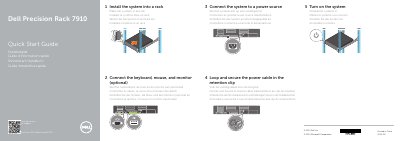
This document serves as a quick start guide for the Dell Precision Rack 7910 workstation. It outlines the initial steps required to set up the system, including installing the unit into a rack, connecting essential peripherals like the keyboard, mouse, and monitor, and establishing a power connection. The guide also details how to secure the power cable using the retention clip.
It is a workstation that must be installed into a rack.
Loop and secure the power cable in the retention clip.