
Updated information for Dell PowerEdge SC 420 systems covering processor speed, memory installation, Execute Disable, diagnostics, RAID cache reboot, and…
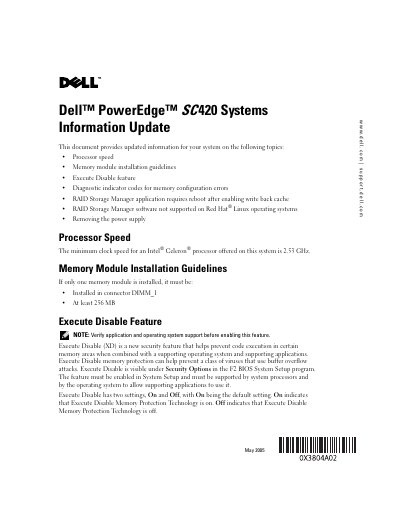
This document is an information update for Dell PowerEdge SC 420 systems. It provides updated information on processor speed, memory module installation guidelines, the Execute Disable feature, diagnostic indicator codes for memory configuration errors, RAID Storage Manager reboot and Red Hat Linux support, and removing the power supply.
It states that the minimum clock speed for an offered Intel Celeron processor is 2.53 GHz; a single memory module must be installed in connector DIMM_1 and be at least 256 MB; Execute Disable defaults to On; systems with a supported SCSI controller must reboot after enabling write-back cache; RAID Storage Manager software for Red Hat Linux is not supported; and the power supply is secured with two screws.
| Minimum Intel Celeron processor clock speed | 2.53 GHz |
|---|---|
| Single memory module location | DIMM_1 |
| Single memory module minimum capacity | 256 MB |
| Execute Disable default setting | On |
| RAID write-back cache change | Reboot required |
| RAID Storage Manager on Red Hat Linux | Not supported |
| Power supply mounting screws | 2 |
The minimum clock speed for an offered Intel Celeron processor is 2.53 GHz.
It must be installed in connector DIMM_1 and be at least 256 MB.
The default setting is On.
Yes, on systems with a supported SCSI controller, you must reboot the system after changing the drive cache setting to write-back cache enabled.