
Dell PowerEdge FX2/FX2s enclosure guide covering power supply and temperature specifications, rack setup steps, and safety notices.
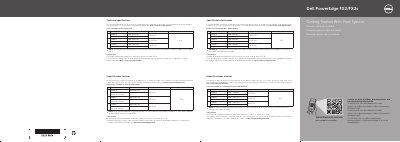
This Dell PowerEdge FX2/FX2s document presents the technical specifications required by law to ship with the system and getting-started instructions for the enclosure. It includes a power rating table for the power supply unit, notes on IT power systems with phase-to-phase voltage not exceeding 230 V, and a continuous operating temperature range of 10°C–35°C. For complete and current specifications, it refers readers to the Owner's Manual at Dell.com/poweredgemanuals.
The setup section shows installing the enclosure in a rack, connecting the CMC and I/O modules, connecting a keyboard, mouse, and optional monitor, securing power cables with a retention strap, and turning on the system. It also includes rack safety warnings, instructions to remove shipping brackets before rack installation, and the Dell End User License Agreement notice.
| Continuous operating ambient temperature | 10°C–35°C |
|---|---|
| IT power system phase-to-phase voltage | Not exceeding 230 V |
| Regulatory model/type | E24S Series/E24S001 |
The continuous operating ambient temperature range is 10°C–35°C.
The document refers readers to the Owner's Manual at Dell.com/poweredgemanuals.
The shipping brackets must be removed from the enclosure before rack installation.
Read the Dell Software License Agreement that shipped with the system; if you do not accept its terms, see Dell.com/contactdell.