
This user guide for the Dell P2422H monitor covers setup, connectivity options, ergonomic adjustments, and technical specifications.
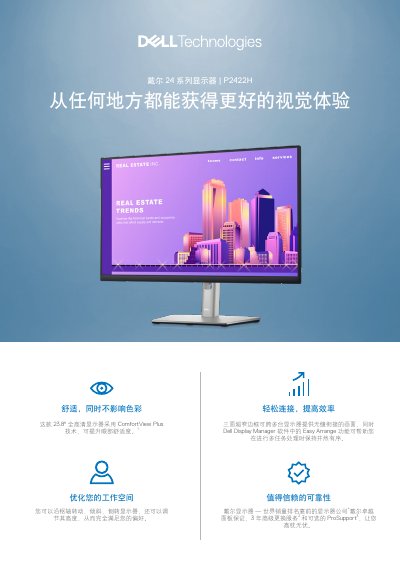
The Dell P2422H is a 23.8-inch Full HD monitor featuring ComfortView Plus technology to reduce harmful blue light while maintaining color accuracy with 99% sRGB coverage. It includes an IPS panel for wide viewing angles and comes with a stand that supports height, tilt, swivel, and pivot adjustments. This manual is written in Chinese.
| Diagonal Size | 23.8 in (604.70 mm) |
|---|---|
| Resolution | 1920 x 1080, 60 Hz |
| Panel Type | IPS (Plane-to-Plane) |
| Brightness | 250 cd/m² |
| Contrast Ratio | 1000:1 |
| Viewing Angle | 178°/178° |
| Response Time | 5 ms (Fast Mode) |
The monitor provides 99% sRGB color gamut coverage out of the box.
The monitor includes HDMI, DisplayPort, VGA, and USB upstream/downstream ports.