
Dell Display Manager P2219H/P2319H/P2419H/P2719H User Guide

This guide explains how to use Dell Display Manager to adjust display settings, manage windows, and configure energy-saving features for supported Dell…

Dell Display Manager P2219H/P2319H/P2419H/P2719H User Guide - cover page
Brand
DELL
Category
Other Computer Accessories
Document type
User Manual
Language
Chinese
Pages
13
File format
PDF
File size
1.5 MB
Published
15 October, 2026
Updated
15 October, 2026
MD5 checksum
AEE88D7B77BE2CBDB50B4D6F3EE70367

About this manual

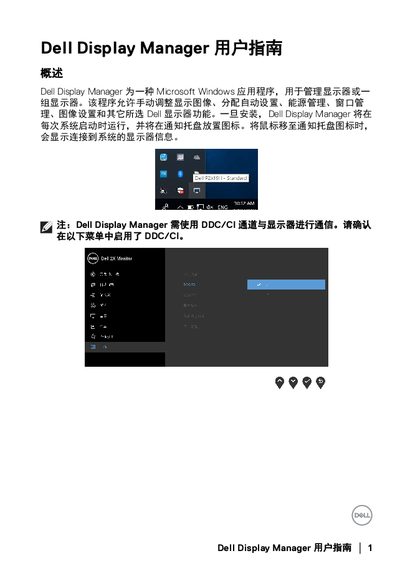
Dell Display Manager is a Microsoft Windows application designed to manage one or multiple Dell monitors. It allows users to manually adjust display images, assign automatic settings, manage energy consumption, handle window layouts, and configure image settings. Once installed, the application runs at system startup and provides a notification tray icon to access connected monitor information. This manual is written in Chinese.

What's inside

  • Overview
  • Quick Settings
  • Basic Display Settings
  • Assign Preset Modes to Applications
  • Simple Arrangement
  • Manage Multiple Video Inputs
  • Restore Application Positions
  • Power Saving Features
  • Troubleshooting

Frequently asked questions

Does Dell Display Manager work with non-Dell monitors?

No, Dell Display Manager only works with Dell brand monitors.

What are the supported monitor models?

The guide covers the P2219H, P2319H, P2419H, and P2719H models.

How can I switch between different video input signals?

You can use the Input Manager tab to switch between signals or define shortcuts for quick switching.

Download PDF (1.5 MB)

More DELL Manuals


View all DELL manuals →