
This user guide covers system setup, security features including password protection and chassis intrusion detection, power management, and legacy…
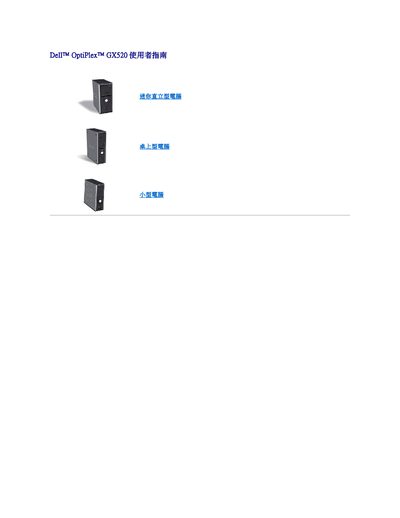
The Dell OptiPlex GX520 User Guide provides instructions for configuring and managing the Mini Tower desktop computer. Key topics include setting up system passwords (System Password and Admin Password), enabling or disabling chassis intrusion detection, and utilizing power management features to control fan speeds and battery charging.
Advanced users can utilize LegacySelect technology to enable or disable specific connectors and media devices such as serial/USB ports, parallel ports, floppy drives, and PCI slots via the System Setup Utility. The guide also details how to manage alerts through the Advanced System Format (ASF) standard for remote monitoring of hardware status. This manual is written in Chinese.
The system generates a 'Generic Critical Fan Failure' alarm.
A warning occurs when the system battery voltage reaches 2.2 V or lower.
The computer halts after three unsuccessful password attempts.