
Dell OptiPlex 760 desktop service manual covering LegacySelect, DASH, Intel iAMT, ASF, physical security, and Dell OpenManage/DCM management tools.
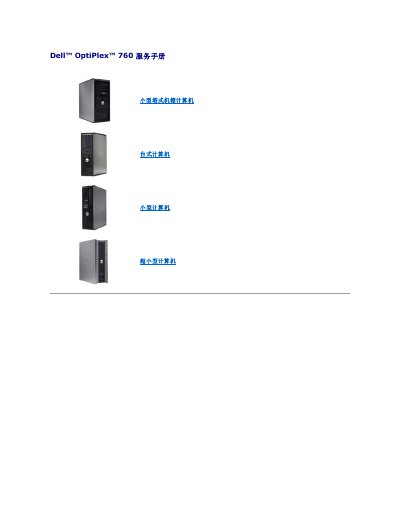
This service manual for the Dell OptiPlex 760 desktop computer describes advanced system-management features. It covers LegacySelect technology control, DASH manageability profiles, Intel Active Management Technology (iAMT), ASF alerts, physical security, and Dell OpenManage applications.
The document explains how to access iAMT settings through MEBx, disable iAMT, configure an iAMT USB key, and set chassis intrusion monitoring. It also lists alert messages and management tools such as Dell OpenManage IT Assistant and Dell Client Manager (DCM). This manual is written in Chinese.
| Battery low alert threshold | 2.2 V or lower |
|---|---|
| Supported ASF alert versions | 1.03 and 2.0 |
| Default MEBx password | admin |
| iAMT configuration software | Dell Client Manager (DCM) 2.1.1 or later |
Press while the computer is starting, then enter the MEBx password. The default MEBx password is admin. In MEBx, go to Intel ME Configuration > Intel ME Features Control > Manageability Feature Selection and select None. If the cover was opened, the setting changes to Detected and an alert is shown during the next boot.What is the default MEBx password?
How do I disable iAMT?
What happens when the chassis intrusion setting is On?