
A multilingual quick start guide for setting up the Dell OptiPlex 7050 Tower, covering connections, OS setup, and locating ports.
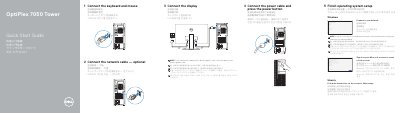
This document is a multilingual Quick Start Guide for the Dell OptiPlex 7050 Tower computer. It provides step-by-step instructions for connecting peripherals such as the keyboard, mouse, network cable, and display, as well as powering on the device and completing the operating system setup for Windows, Ubuntu, or other supported systems.
| Rated Voltage | 100 - 240 Volts |
|---|---|
| Rated Frequency | 50 - 60 Hertz |
| Rated Input Current | 4 Amperes |
You should connect the display to the discrete graphics card.
You must enter the password for the wireless network access when prompted.