
Dell PowerVault MD1200/MD1220 storage enclosure setup guide covering package contents, operating modes, cabling, power connection, and startup.
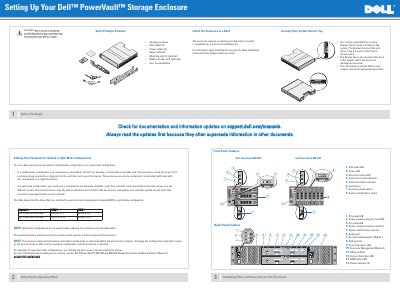
The document explains how to set up a Dell PowerVault MD1200 or MD1220 storage enclosure. It covers checking package contents and the Service Tag, selecting unified or split mode, identifying front- and back-panel features, rack installation, cabling to host servers, connecting and securing power cables, and turning on the enclosure.
| Supported operating modes | Unified mode and split mode |
|---|---|
| Maximum daisy-chained enclosures in unified mode | Up to four enclosures to a single controller-card port |
| Split-mode daisy-chaining | Not supported |
| MD1200 split-mode drive mapping, EMM 0 | Drives 6 to 11 |
| MD1200 split-mode drive mapping, EMM 1 | Drives 0 to 5 |
| MD1220 split-mode drive mapping, EMM 0 | Drives 12 to 23 |
| MD1220 split-mode drive mapping, EMM 1 | Drives 0 to 11 |
| Power switches | 2 |
The enclosure can be cabled in unified mode or split mode; the mode is selected with the enclosure mode switch on the front panel.
Turn on the storage enclosure(s) first, then the host server(s).
In unified mode, the enclosure can be one of up to four enclosures daisy-chained to a single port on the controller card.
No. Split-mode configurations do not support daisy-chaining of enclosures or redundant paths.