
Quick start guide for the Dell Latitude 3340 laptop covering initial setup, features, and support resources.
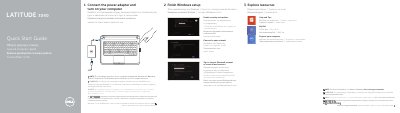
This multi-language quick start guide walks users through the initial setup of the Dell Latitude 3340 notebook, including connecting the power adapter, completing Windows setup, and connecting to a network. It also explains how to sign in with a Microsoft account or create a local account.
The guide illustrates the laptop's physical features such as microphones, camera, USB 3.0 ports, HDMI, Mini DisplayPort, and security cable slot. It provides links to Dell support resources, the owner's manual, regulatory information, and contact details for further assistance.
| Security | Security cable slot |
|---|
Connect the power adapter and press the power button to turn on the computer.
The owner's manual is available at dell.com/support/manuals.