
Dell Latitude 3340 laptop quick start guide covering power-on setup, registration, network connection, security updates, and hardware features.
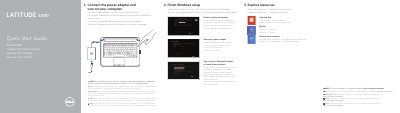
This Dell Latitude 3340 Quick Start Guide helps you set up the laptop, including connecting the power adapter, turning on the computer, registering with Dell, and finishing Windows setup.
It also covers enabling security and updates, connecting to a network, signing in to a Microsoft account or creating a local account, and lists the computer's features and support resources.
| Computer model | Dell Latitude 3340 |
|---|---|
| Regulatory model | P47G |
| Input voltage | 100 V AC–240 V AC |
| Input current (max) | 1.7 A (65 W)/2.5 A (90 W) |
| Input frequency | 50 Hz–60 Hz |
| Output voltage | 19.5 V DC |
The instructions are for computers shipped with Windows 8.1 Operating System.
See the Owner’s Manual at dell.com/support/manuals.
The regulatory model number is P47G.