
This user guide provides instructions for connecting, operating, and troubleshooting the Dell DP61N external USB slim DVD-ROM drive.
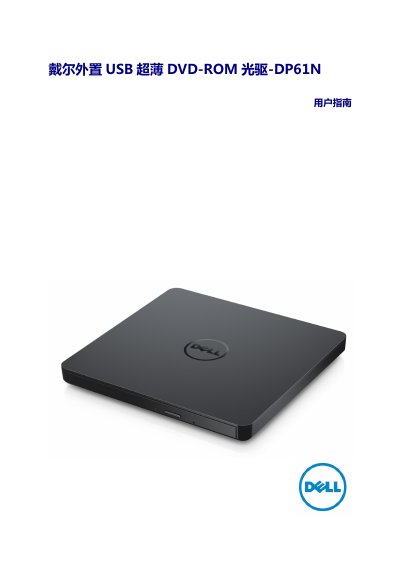
The Dell DP61N is an external USB 2.0 slim optical drive designed to read CD and DVD media formats including M-DISC. It features a drawer-style loading mechanism and is powered directly by the connected PC via USB, eliminating the need for an AC power adapter.
This manual covers product introduction, detailed operating instructions for inserting and removing discs, connection procedures, troubleshooting common issues such as tray failure or read errors, technical specifications regarding supported formats and speeds, and safety precautions. This manual is written in Chinese.
| Supported Formats | CD-R/RW, DVD-R/RW/RAM/+R/+RW/+R DL/-R DL, M-DISC |
|---|
The external host interface supports a data transfer speed of 480 Mbit/s.
The drive weighs approximately 200 grams.