
Dell DL4300 appliance setup guide covering hardware installation, optional MD1400 storage connection, power-on order, and AppAssure software configuration.
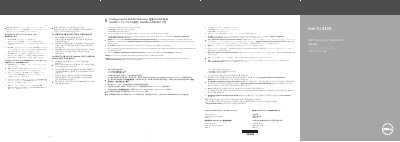
The Dell DL4300 setup document describes installing the appliance rails, setting up the DL4300 system, and attaching the optional cable management arm. It also explains how to connect the appliance to an optional MD1400 storage enclosure using SAS cables from the PERC controller ports to the enclosure management module ports, with the enclosure mode switch set to integrated mode.
After hardware setup, the guide instructs users to turn on the MD1400 storage enclosure before the DL4300 system and monitor, select an operating system language, and change the password. The AppAssure Appliance Configuration Wizard must remain open until complete; if it closes early, a factory reset is required. It also notes NIC bonding and Microsoft Windows update can be configured, and that the system ships with a 30-day temporary AppAssure software license, with permanent licenses obtained at dell.com/DLActivation.
Turn on the MD1400 storage enclosure first if used, then the DL4300 system and monitor.
You will have to perform a factory reset.
The system ships with a 30-day temporary AppAssure software license.
Use a SAS cable to connect DL4300 PERC controller port 0 to MD1400 EMM port 1; a second SAS cable can connect port 1 to a second EMM for redundancy.