
Dell Display Manager is a Windows application for managing one or more Dell monitors, with image adjustment, presets, energy saving, and window organization.
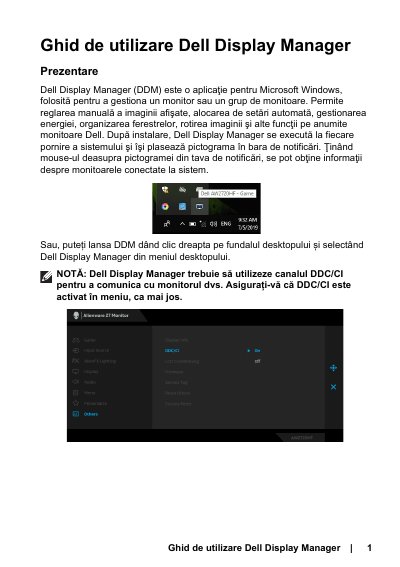
Dell Display Manager (DDM) is an application for Microsoft Windows used to manage one or more Dell monitors. It allows manual image adjustment, automatic preset assignment, energy management, window organization, image rotation, and other functions on certain Dell monitors. After installation, DDM runs at every system startup and places an icon in the notification area; hovering over it shows connected monitor information, and it can also be launched from the desktop menu.
DDM includes a Quick Settings dialog for brightness, contrast, resolution, and window layout, plus Basic settings, Auto Mode preset assignment, Easy Arrange window organization, Input Manager for multiple video inputs, application window position restore, PowerNap energy options, and troubleshooting steps. DDM must use the DDC/CI channel to communicate with the monitor, and it works only with Dell-branded monitors.
| Operating system | Microsoft Windows |
|---|---|
| Supported monitors | Dell-branded monitors only |
| Monitor communication | DDC/CI channel |
Click the Dell Display Manager icon in the notification area.
No, DDM works only with Dell-branded monitors.
Yes, when Auto-restore window layout is selected, DDM monitors and remembers positions and restores them automatically.
Check that the video cable is correctly connected and that DDC/CI is enabled in the monitor OSD.