
User guide for Dell Display Manager, a Windows app to manually adjust display settings like brightness, contrast, layout, and rotation for compatible Dell…
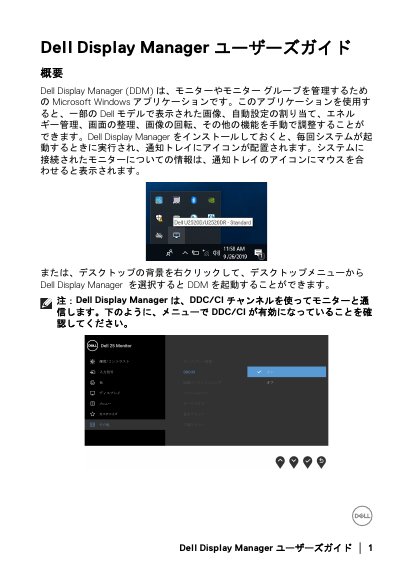
Dell Display Manager is a Windows application that lets users manually adjust display settings such as brightness, contrast, resolution, screen layout, and image rotation for compatible Dell monitors. It runs automatically at system startup and can be accessed via the system tray icon or right-clicking the desktop. The app communicates with monitors via DDC/CI and offers features like quick setup, automatic mode, and easy arrange layout management.
Users can assign preset modes to applications, manage multiple monitors, and restore window layouts after reconnecting monitors. It also supports custom layouts, input switching, and multi-monitor spanning for efficient workspace organization. This manual is written in Japanese.
Right-click the desktop or click the notification area icon to launch it.
It uses the DDC/CI channel to communicate with monitors, which must be enabled in the monitor’s menu.
Yes, you can assign preset modes to applications via the Auto Mode tab, and DDM will automatically apply the preset when the app is activated.