
This user guide provides instructions for setting up, operating, and maintaining the Dell B5465dnf laser multifunction printer.
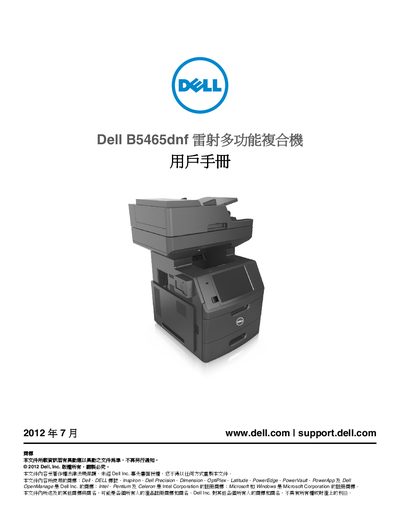
This document is the official user manual for the Dell B5465dnf laser multifunction printer. It covers essential topics including safety information, initial setup, and configuration of the device's various features such as scanning, copying, faxing, and emailing.
The guide details how to load paper trays, install optional hardware components like hard drives and network cards, and configure network settings for both wired and wireless connections. It also includes troubleshooting steps for common issues like paper jams and provides maintenance instructions for cleaning the printer and replacing consumables. This manual is written in Chinese.
| Weight | over 40 lbs (18 kg) |
|---|
Two or more trained workers are needed to lift the printer safely because it weighs over 18 kilograms.
You must use a 26 AWG or higher specification replacement cable when connecting the printer to a public switched telephone network.
You must turn off the printer power using the power switch and unplug the power cord from the outlet before moving it.