
This user guide provides information on setting up, connecting to networks, and troubleshooting the Dell Wireless 1515 WLAN card.
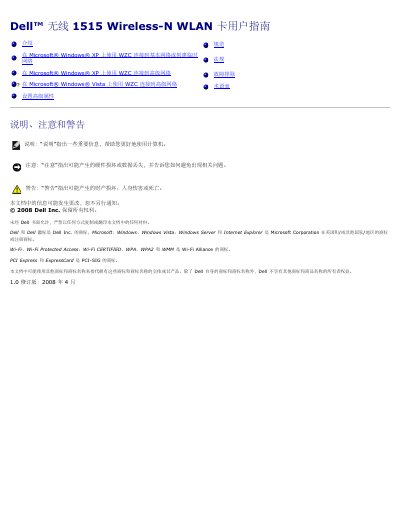
This document is a user guide for the Dell Wireless 1515 Wireless-N WLAN card. It covers an overview of wireless networking, features of the WLAN adapter, preparation steps for installation, and instructions for connecting to basic or advanced networks using Windows XP or Vista with WZC.
The guide also includes sections on network types (infrastructure and ad-hoc), regulatory information, technical specifications regarding physical characteristics and power consumption, a glossary of terms, and troubleshooting tips. This manual is written in Chinese.
| Form Factor | Half Mini Card (PCI Express Mini Card) |
|---|---|
| Operating Temperature | 0−85°C |
| Storage Temperature | -60 to +150°C |
| Maximum Receive Current | 450 mA |
| Maximum Transmit Current | 750 mA |
SSID stands for Service Set Identifier and is the name of a specific wireless network set on the wireless router or AP.
You can use a hardware switch on some models, or press
The guide describes infrastructure networks (using a router/AP) and ad-hoc or peer-to-peer networks.