
User manual for the dB Technologies RDNet Control 8, a master control unit for managing up to 256 audio devices via an 8-subnet RDNet system.
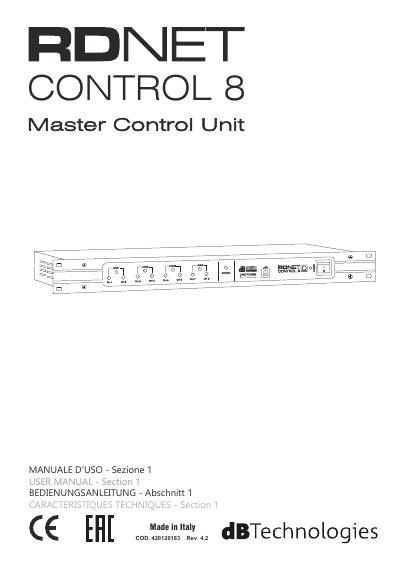
The dB Technologies RDNet Control 8 is a master control unit designed to connect speakers or accessory equipment to a Personal Computer (PC). It utilizes a proprietary serial protocol to create a data network capable of managing up to 256 compatible audio devices, such as dB Technologies professional speakers (e.g., DVA T12, DVA S30N). The system allows for real-time monitoring of device status, including VU-meters and temperature, and enables the PC to control parameters like volume, mute, equalization, and delay. This manual is written in Italian.
| Max Subnets | 8 |
|---|---|
| Max Devices per Subnet | 32 |
| Total Max Devices | 256 |
| Power Supply | 100 ÷ 240 V ac |
| Power Consumption | < 15 W |
| Dimensions | 482 mm x 44 mm x 182 mm |
| Weight | 2 kg |
It can manage up to 256 compatible audio devices by connecting up to 8 subnets, with a maximum of 32 devices per subnet.
The unit can connect to a PC via a local USB port (Type B) or a remote Ethernet port (RJ 45).
The subnets connect via 8 RJ 45 connectors (EtherCon) with CAT5 cable or 8 female XLR connectors.