
The CTD 24 instrument manual provides installation, wiring, configuration and operation instructions for the temperature controller.
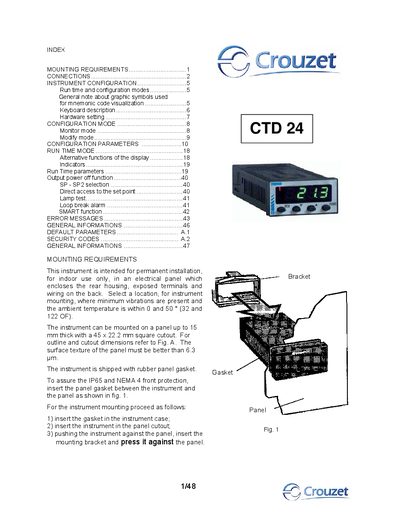
This manual describes how to permanently install the CTD 24 instrument in an indoor electrical panel, including mounting steps, gasket placement and panel cutout dimensions. It also covers all connection options for thermocouple, RTD and linear inputs, as well as relay and SSR outputs.
The document explains the instrument’s run‑time and configuration modes, keyboard functions, hardware protection, default parameters, error handling, and provides a programming example for setting temperature alarms and limits.
| Case material | Polycarbonate brown transparent color |
|---|---|
| Power consumption | 2.5 W max |
| Insulation voltage | 2300 V rms |
| Display update time | 500 ms |
| Sampling time (linear inputs) | 250 ms |
| Accuracy | ±2 % f.s.v. ±1 digit @ 25 °C |
| Weight | 90 g |
| Operative temperature range | 0 °C to 50 °C |
This manual explains 2 error codes. Open a code for its meaning, causes and what to do: