
This manual explains how to obtain, back up, restore, and use the CSCSE Soft Certificate for system login.
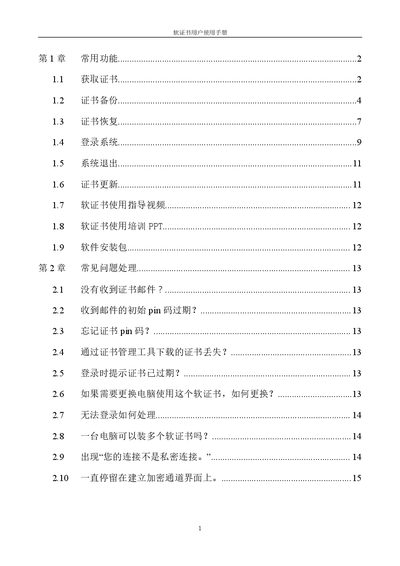
The CSCSE Soft Certificate User Manual provides step‑by‑step instructions for common functions such as obtaining a certificate, backing it up, restoring it on a new computer, and logging into the system. It also includes guidance on updating the certificate, installing the required software, and accessing training resources.
A troubleshooting chapter addresses frequent issues like missing email notifications, expired PIN codes, forgotten PINs, certificate loss, login failures, and network‑related errors, offering clear actions and contact information for support. This manual is written in Chinese.
| Supported Operating System | Windows 7 or later |
|---|---|
| Backup Password Length | 6 to 20 characters |
| Virtual Network Adapter Model | SVN-WindowsAdapterV2 |
Send an email to [email protected] requesting the email to be resent.
Email [email protected] to request a PIN reset.
Yes, multiple soft certificates can be installed on a single computer.
Click “Advanced”, then “Continue” to proceed to the address 192.168.2.64.