
This manual provides safety precautions, operation guides, connection instructions for signal devices, and troubleshooting tips for Coocaa color LCD…
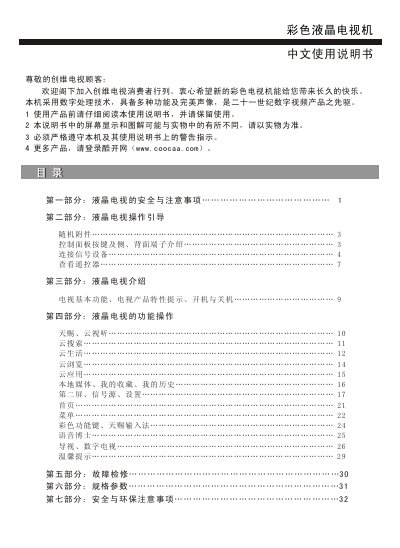
This user manual is designed to assist customers with the safe installation, setup, and daily operation of their Coocaa color LCD television. It covers essential topics including safety warnings regarding electricity and ventilation, a detailed introduction to the remote control and panel buttons, and step-by-step guides for connecting various signal sources such as antennas, HDMI devices, and USB drives.
The document also includes sections on specific features like cloud services (Coocaa Sky), voice search capabilities, and digital TV functions. Additionally, it provides troubleshooting advice for common issues and lists the technical specifications of the product. This manual is written in Chinese.
The television should only be used on 220V AC power.
At least a 10cm gap or distance should be left between the product and walls to ensure proper ventilation.
No, do not use liquid or spray cleaners as they may damage the display surface; use a soft cloth instead.