
Installation instructions for the Connects2 CTSVW016.2 steering wheel control interface for Volkswagen vehicles with CAN-Bus.
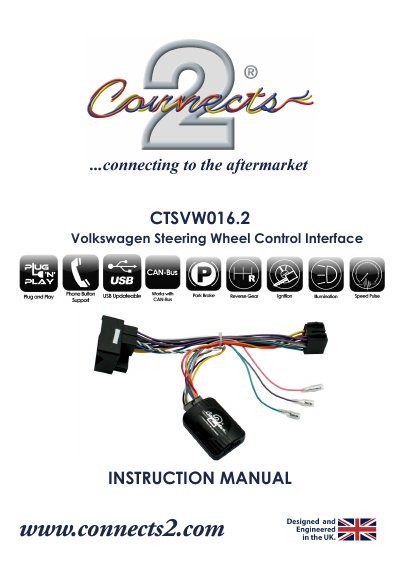
This instruction manual covers the Connects2 CTSVW016.2, a steering wheel control interface for Volkswagen vehicles with a CAN-Bus system. It lists the product contents, notes that technical knowledge is required for installation, and gives Connects2 technical support and YouTube channel details.
The manual explains how to set the four dipswitches on the circuit board for two configurations and lists the vehicles each configuration covers. A fitting guide then describes connecting the head unit patch lead, the 12-way and 14-way molex connectors, the ISO power/speaker harness and the vehicle connector, with wiring colour tables for aftermarket head units without an ISO connector.
| Compatible system | Volkswagen vehicles with CAN-Bus |
|---|---|
| Configuration 1 dipswitches | Dipswitch 1, 4 On; Dipswitch 2, 3 Off |
| Configuration 2 dipswitches | Dipswitch 1, 2, 3 Off; Dipswitch 4 On |
| Sony head unit setting | Dipswitch 4 set to Off |
| Head unit patch lead connector | 12 way molex connector |
| Interface connector | 14 way molex connector |
Remove the circuit board from the interface box by releasing the clips, then set the four dipswitches on the back of the board for your vehicle configuration.
Configuration 1 covers models such as Golf (MK5/6) 2004-2012, Passat 2005-2014, Polo 2004-2014, Tiguan 2007> and Touran 2004>, among others.
Dipswitch 4 must be set to Off when installing a Sony head unit.
The package contains the interface, a harness and the instruction manual.