
User manual for the Code Corporation CR900FD barcode reader covering setup, operation, specifications and maintenance.
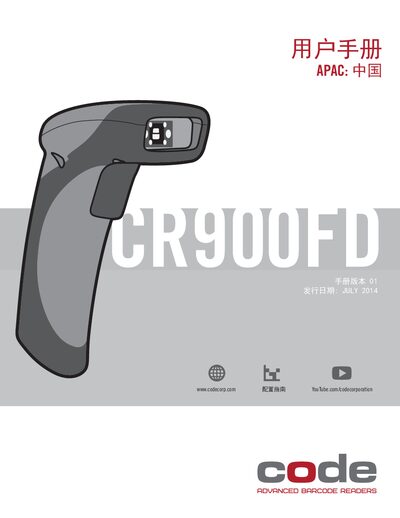
The CR900FD Code Reader user manual provides detailed instructions for configuring, operating, and maintaining the device. It includes compliance information, hardware specifications, connector pinouts, and warranty details.
The guide also explains how to enable or disable barcode symbologies, upgrade to 2‑D reading, and perform basic troubleshooting and cleaning of the scanner window. This manual is written in Chinese.
| Code 39 minimum working distance | 1.6" (40 mm) |
|---|---|
| Code 39 maximum working distance | 3.1" (78 mm) |
| Code 128 minimum working distance | 0.6" (15 mm) |
| Code 128 maximum working distance | 8.3" (212 mm) |
| Physical height | 2.75" (70 mm) |
| Physical width | 5.5" (140 mm) |
| Physical depth | 2.0" (50 mm) |
| Connector type | RJ‑50 (10P‑10C) |
| Pin 1 function | +VIN (5 V) |
| Pin 10 function | Ground |
The CR900FD has a standard one‑year limited warranty, and brackets and cables are covered for 30 days.
Activate 2D reading by scanning the configuration barcode in the CR900FD Configuration Guide and entering a license key.