
User manual for CO., LTD.'s DP-2000 electric wax knife, covering safety, specs, operation, maintenance, and troubleshooting.
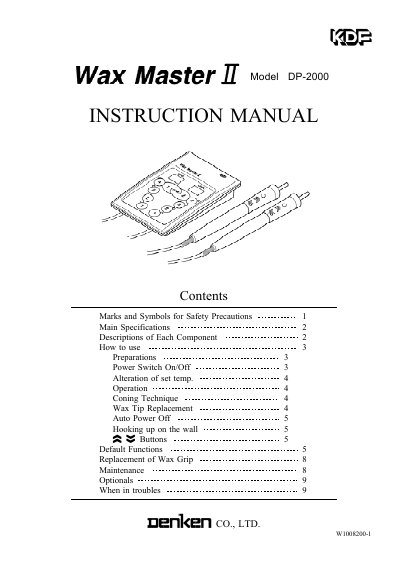
This is the user manual for the DP-2000 electric wax knife by CO., LTD. It provides detailed instructions for safe operation, including how to set temperatures, replace wax tips, and hook the device to a wall. The manual also covers maintenance procedures and troubleshooting tips. Safety warnings are prominently featured to prevent electric shock, fire, or injury. The device includes adjustable temperature settings, auto power-off, and customizable chime frequencies. This manual is written in Chinese.
| Dimensions (Controller) | 80W 21H 120D mm |
|---|---|
| Weight (Controller) | 74g |
| AC Adapter Weight | 190g |
| Grip Weight | 31g/piece |
| AC Adapter Input | AC100 240V 10% 50/60Hz |
| AC Adapter Output | DC12V 1.5A |
| Power Consumption | 18W |
| Max Temp. Sets | 4 independent temp. sets for each grip |
| Temp. Step Selection | Selectable from 1, 2, 3, 5, 8, 11, 14, 17 |
| Auto Power Off time | Selectable from 0.1, 0.3, 0.5, 1, 1.5, 2, 2.5, 3 |
| Temp. set Range | Room temp. 300 temp. of thermocouple |
| Frame Material | ABS resin heatproof 80 |
| Grip Material | ABS resin heatproof 80, Polyacetal resin heatproof 120 |
| Tip Material | Cuprum Alloy, Stainless Steel |
| Workable Environment | 0 40 , 30 90%RH but not in wet moisture |
| Altitude | 2000m less |
Press the course button to select the desired level, then press the FUNC button to set the temperature. The set value is memorized even when the power is off.
The device automatically turns off after a set period if no button is pressed or if the power is forgotten to be switched off. The default auto power off time is 1 hour, but it can be changed.
Warm the wax to separate the tip if it is stuck. Do not bend or forcibly nip the thermal tube to avoid damage or electric shock.
Use the metal hook provided and attach it to the wall using the tape or screw provided.