
Quick setup guide for ClearOne 260 Pro camera with installation, power, and remote control instructions.
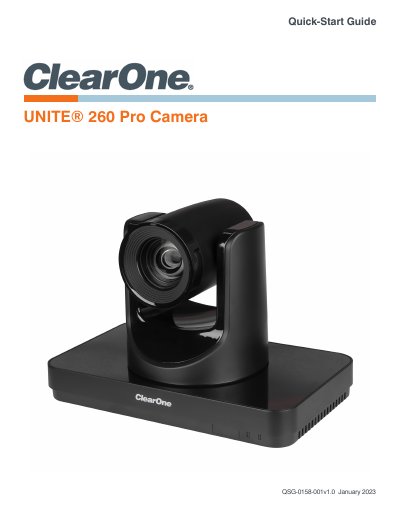
This guide provides step-by-step instructions for installing and operating the ClearOne 260 Pro camera. It covers power setup using PoE or DC, mounting options, and remote control functions. Safety warnings are included to prevent damage or electrical hazards.
The camera appears as a microphone device when connected and only provides audio with an analog line-in. Troubleshooting tips are provided for common issues like jittery images or non-operating remotes. This manual is written in Chinese.
Connect to power via PoE (48V DC) or 12V DC power supply.
The camera pan-tilt rotates to the maximum position of top right and returns to the center.
Use the remote control with buttons for preset, zoom, focus, and PTZ movement. Press [*] + [#] + [1] to set OSD menu to English.