
This guide explains how to download, install, register, log in, recover password, set personal info, run device self‑check, and enter online exams on ClassIn.
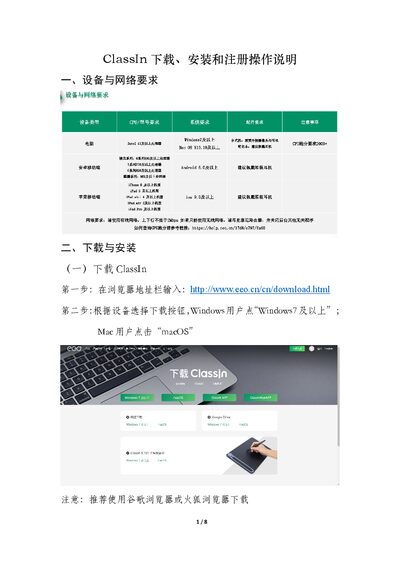
The document provides step‑by‑step instructions for obtaining the ClassIn client on Windows, macOS, Android and iOS, as well as registering a new account using a mobile phone number. It also covers login methods, password recovery, and personal‑information settings for both computer and mobile versions.
Additional sections describe how to perform a device self‑check (CPU, camera, speaker, microphone) and how to join an online exam room after the client is installed and configured. This manual is written in Chinese.
| Supported Windows version | Windows 7 and above |
|---|---|
| Supported macOS | macOS |
| Mobile platforms | Android, iOS |
| Browser recommendation | Google Chrome, Firefox |
Open a browser, go to http://www.eeo.cn/cn/download.html and click the “Windows7及以上” download button.
Click the “新用户注册” button in the lower‑left corner and register using an active mobile phone number.
On the home page, click the “忘记密码” link to start the password recovery process.