
Step-by-step instructions for configuring Single Sign-On (SSO) between Citrix Gateway and ServiceNow using SAML identity providers.
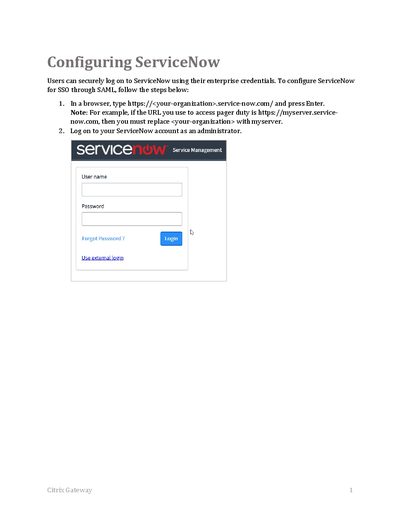
This document provides step-by-step instructions for enabling Secure Single Sign-On (SSO) for ServiceNow users via Citrix Gateway. The process involves activating a specific plugin within the ServiceNow administration interface to establish an integration point.
After activation, administrators configure the Identity Provider record by either importing metadata or manually entering SAML parameters such as URLs and Entity IDs. Finally, X.509 certificates are uploaded and linked to the identity provider, followed by generating service provider metadata for completion.
You must type the issuer name that can be used while configuring IdP NetScaler for SSO.
You must click the appropriate format, such as PEM.