
This manual covers installation, configuration via web or CLI, and troubleshooting for Cisco Small Business 300 series managed switches.
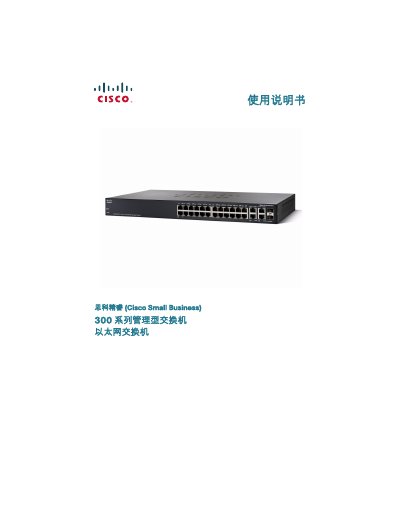
This user guide provides instructions for the physical installation of Cisco Small Business 300 series managed switches on a desktop, wall, or standard rack. It details safety precautions regarding temperature and ventilation to ensure proper operation.
The document explains how to connect network devices using Ethernet cables and describes two methods for configuring the switch: via a web-based utility or through the console port CLI. It includes default login credentials (username: cisco, password: cisco) and steps for changing passwords. This manual is written in Chinese.
| Default IP Address | 192.168.1.254 |
|---|---|
| PoE Power per Port | 15.4 Watts |
| Console Baud Rate | 115200 bps |
| Operating Temperature Max | 40 degrees Celsius (104 Fahrenheit) |
The default username is cisco and the default password is cisco.
Set the baud rate to 115200, data bits to 8, parity to none, and stop bits to 1.