
CinemaPro JR-K4 is a lightweight two-axis motion control head for film and video cameras with manual, motion-control and preset operating modes.
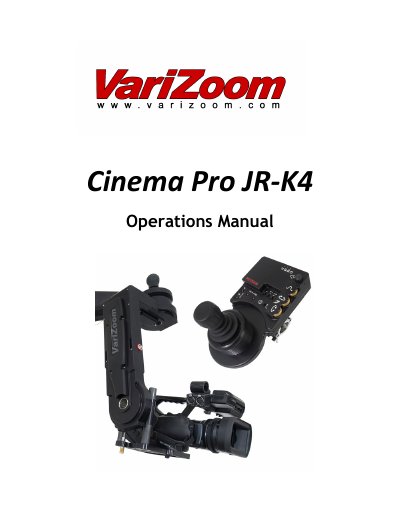
The CinemaPro JR-K4 is a lightweight, two-axis motion control head for film and video cameras. It supports manual joystick operation, motion-control-style record and playback, and go-to-mark preset framing, with optional software upgrades for features such as intervalometer, camera sync, PC data share, and additional recorded takes and mark points.
The manual covers basic setup, cable routing, camera balancing, jibstick controls, lens control, advanced parameter settings, troubleshooting, and available options and specifications. It also lists safety warnings, including using only Varizoom power sources and cables and keeping cables clear of the tilt axis.
| Axes | 2 |
|---|---|
| Operating modes | Manual joystick, motion control record/playback, go-to-mark presets |
| Lens control signals | RS-232, RS-422, analog, pulse-width RC servos, LANC |
| Wireless control range | Up to 1/4 mile (1 mile with line of sight) |
| Mount options | 100mm half ball or Mitchell mount |
| Software upgrades | Intervalometer, camera sync, PC data share, additional recorded takes and mark points |
Only Varizoom power sources and cables should be used; other power devices can damage the head and camera.
Turn motor power off, place the camera's center of mass at the center of the mounting platform slot, and adjust platform height until it holds position at any angle.
Check that motor power is on, disable any soft limits set too close together, and power-cycle the system.
Wireless control operates up to 1/4 mile, or 1 mile with line of sight.