
User manual for the Blue E-Key of the SuYiTong system, detailing browser requirements, driver installation, login steps and usage policies.
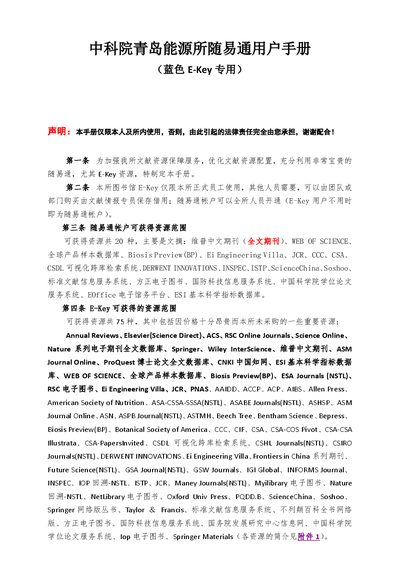
This manual provides instructions for using the Blue E-Key with the SuYiTong system at the Chinese Academy of Sciences Qingdao Institute of Energy. It outlines the scope of resources available through the E-Key, the user responsibilities, and the procedures for accessing the databases.
Key sections cover supported browsers, driver installation, login credentials (default password 12345678), how to browse and download resources, and the logout process. Contact information for assistance is also included. This manual is written in Chinese.
| Default password | 12345678 (cannot be changed) |
|---|
Open the login URL, then click the “下载安装 [蓝]Ukey驱动” button in the lower left corner to download and run the driver.
The default password is 12345678 and it cannot be changed.
Click the “注销” button at the top right of the E-Key login screen.