
This guide explains how to set up a China Telecom Sky Broadband wireless router, including accessing the management interface and configuring network settings.
The document introduces the function of a wireless router compared to an Access Point (AP) and explains its benefits for connecting multiple devices like laptops, PDAs, and mobile phones wirelessly. It is designed for general home users who want to enjoy wireless internet connectivity.
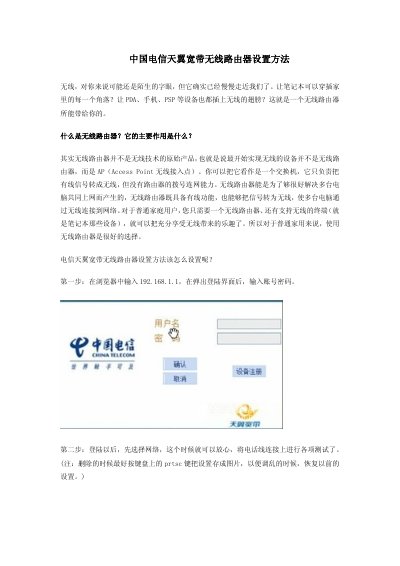
The guide provides step-by-step instructions for configuration: first, accessing the login interface by entering 192.168.1.1 in a browser; second, connecting the telephone line and running tests within the network settings menu; and third, configuring the computer's IP address to a range between 192.168.1.2 and 192.168.1.254 with a subnet mask of 255.255.255.0. This manual is written in Chinese.
You must input 192.168.1.1 in your web browser to access the login interface.
The computer's IP address must be configured to any value between 192.168.1.2 and 192.168.1.254.
The subnet mask must be set to 255.255.255.0.