
This manual provides installation and operating instructions for Cetis i-series bathroom telephones models AT1101, AT1102, AT1201, and AT1202.
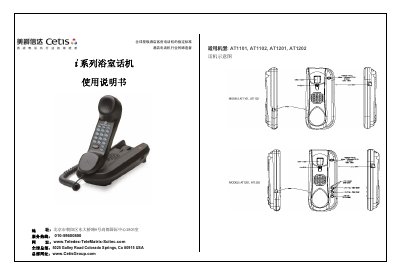
This user guide covers the installation of the Cetis i-series bathroom telephone, including wall mounting procedures and connecting the handset cord. It details how to make calls, answer incoming calls, use features like redial and flash hook, and adjust ring volume or handset volume using the keypad controls.
The document also explains specific functions such as the mute key, backlight keyboard activation when lifting the handset, and the information waiting light available on AT1102 and AT1202 models. Additionally, it provides troubleshooting steps for common issues like no dial tone, noise in the line, or a non-responsive handset. This manual is written in Chinese.
Locate the ring volume control knob on the back of the telephone and slide the switch to LOW or HI.
Press the VOLUME UP or DOWN keys on the keypad to obtain the desired volume level.
The red flashing information waiting light indicates that there is a message waiting for you.