
This user guide explains how to use MolFlow+, a Windows program for calculating steady-state pressure in complex geometries under ultra-high vacuum conditions.
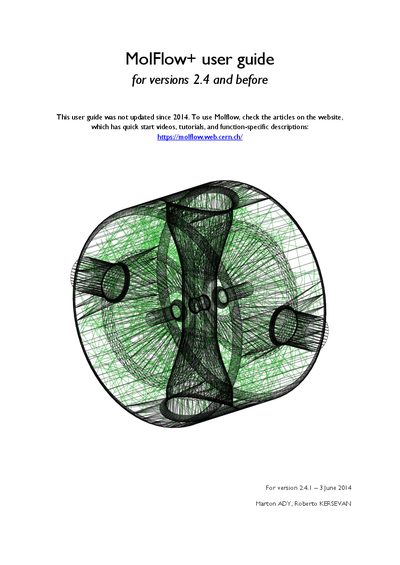
MolFlow+ is a Windows program designed to calculate steady-state pressure in arbitrarily complex geometries when ultra-high vacuum conditions are met. The software uses Monte Carlo simulations where particles fly independently, neglecting collisions. It allows users to import geometries from CAD programs, define physical properties of boundaries, and simulate particle trajectories.
MolFlow+ is a Windows program that calculates steady-state pressure in arbitrarily complex geometries when ultra-high vacuum conditions are met.
Geometries can be imported from CAD programs that support the STL file format.
When profiling is enabled, a facet is divided into 100 equal parts along the U or V vector.