
Installation manual for Celera Motion Optira Series Encoders covering setup, alignment, calibration, and safety guidelines.
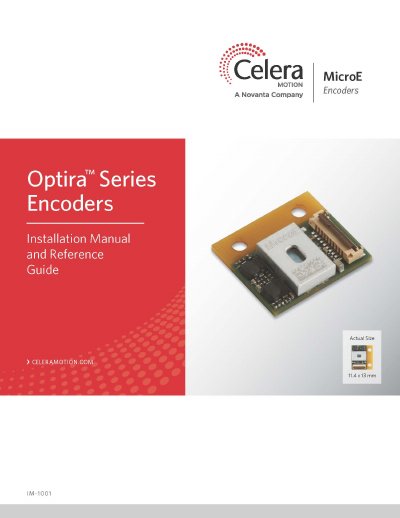
This manual provides step‑by‑step instructions for installing and aligning Celera Motion Optira Series Encoders. It includes safety precautions, power recommendations, and detailed procedures for top‑mount, board‑to‑board, and optional development‑kit installations.
The document also contains technical specifications, scale‑mounting guidance for tape, glass, and rotary scales, and troubleshooting tips. Appendices list part numbers, connector pinouts, and contact information for Celera Motion support.
| Power Supply Voltage (5 V option) Minimum Input | 4.75 V DC |
|---|---|
| Power Supply Voltage (3.3 V option) Minimum Input | 3.13 V DC |
| Scale Pitch | 20 µm |
| System Resolution (available options) | 5 µm to 5 nm |
| Weight | <1.5 g |
Follow standard ESD precautions, turn power off before connecting the sensor, wear finger cots, avoid reflective surfaces, and never service the encoder while powered.
The encoder uses an infrared laser diode (850 nm) with a maximum power of 4.8 mW CW, classified as Class 1 and not hazardous under normal use.
Encoders can be powered with either a 5 V DC or a 3.3 V DC supply, each with specified minimum and maximum input voltages and current limits.
The recommended scale pitch is 20 µm.