
The manual provides safety advice, setup steps, connection options, operation instructions, technical specifications and troubleshooting for the CAV AV700…
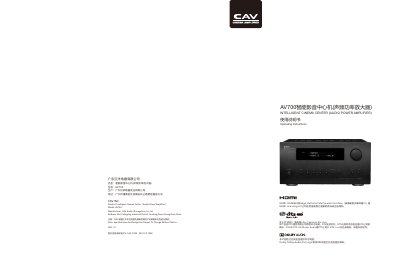
This user manual explains how to install and operate the CAV AV700 Intelligent Cinema Center, a 7.1‑channel audio power amplifier with 4K video support. It covers safety precautions, accessory lists, panel functions, rear‑panel connections, remote control usage, speaker placement, HDMI and audio input setup, and basic configuration.
The guide also details advanced features such as automatic room EQ, Bluetooth audio, TV ARC, and firmware upgrade procedures, plus a full set of technical specifications and a troubleshooting section for common issues. This manual is written in Chinese.
| Stereo Output Power (4Ω) | 150 W × 2 |
|---|---|
| Recommended Load Impedance | 4 Ω |
| THD+N (1 kHz) | ≤ 0.7 % |
| Input Impedance | ≥ 47 kΩ |
| HDMI Inputs | 6 (3 × HDMI 2.0, 3 × HDMI 1.4) |
| HDMI Outputs | 2 |
| Power Supply | 220 V ± 10 % 50 Hz |
| Dimensions (W × D × H) | 435 mm × 445 mm × 215 mm |
| Net Weight | 18.5 kg |
Enter System Settings → Options and select “恢复出厂设置” (Restore Factory Settings).
Turn the unit off, check that the power switch is on and that the wall outlet has power; if the problem persists, contact an authorized service center.
Press MENU, go to System Settings, select Language, and choose English or Chinese.
Connect the TV to the HDMI ARC port and press the remote’s ARC/TV button to enable audio return.