
The Canon XF200/XF205 user manual provides operating instructions, setup guides, network features, recording options, and specifications for the HD camcorder.
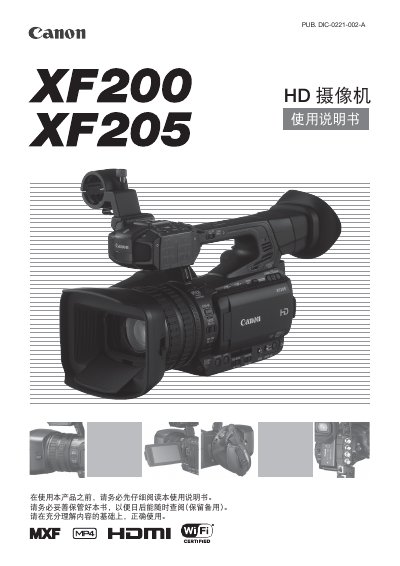
This manual covers the Canon XF200/XF205 HD camcorder, a compact portable camera with a 1/2.84" CMOS sensor, 3.5" OLED display, and dual recording formats (MXF and MP4). It explains how to prepare the camera, configure settings, and use its various functions.
Key sections include preparation and power setup, recording controls, screen and audio settings, external connections, Wi‑Fi and Ethernet networking, infrared recording, custom functions, and detailed specifications. Troubleshooting, accessories, and maintenance information are also provided. This manual is written in Chinese.
| Image sensor | 1/2.84" CMOS, approx. 2.91 MP (2136×1362) |
|---|---|
| MXF recording format | Video: MPEG‑2 Long GOP; Audio: Linear PCM, 16‑bit, 48 kHz, 2‑ or 4‑channel |
| MP4 recording format | Video: MPEG‑4 AVC/H.264; Audio: MPEG‑4 AAC‑LC, 16‑bit, 48 kHz, stereo |
| Maximum continuous MXF recording time (50 Mbps) | ≈40 min on 16 GB CF card; ≈160 min on 64 GB CF card |
Use Wi‑Fi Protected Setup (WPS) via the router’s button or PIN, or manually search for and configure the access point as described in the network settings section.
MXF video is recorded to CompactFlash (CF) cards (two slots) and MP4 video and photos are recorded to SD, SDHC, or SDXC cards.
Activate the infrared mode using the built‑in infrared light; the camera will then record in infrared for dark environments.