
Canon XC15 camera user manual covering kit contents, assembly, quick start, exposure, audio, picture profiles, focus, and file transfer.
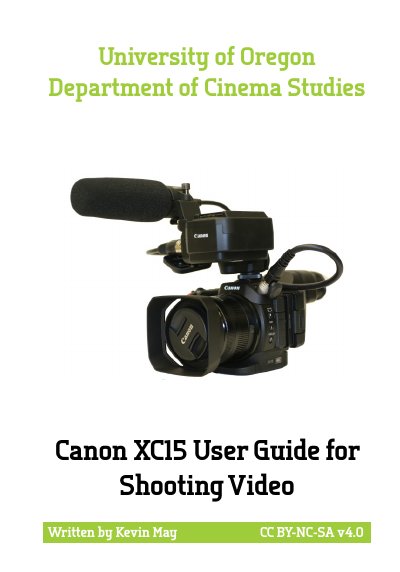
This guide covers the Canon XC15 camera, listing kit contents such as the camera body, batteries, audio adaptor, and viewfinder. It explains camera layout and assembly steps for the battery, SD card, viewfinder, and audio equipment.
It also provides quick start shooting instructions, focal length and zooming details, exposure settings and tools, white balance, audio recording, picture profiles, focus, and transferring or backing up footage.
| Lens zoom range | 24mm to 240mm |
|---|---|
| Battery type | LP-E6 |
| Memory card type | SD cards or CFAST cards |
| HD frame rates | 23.98P, 29.97P, 59.94i, or 59.94P |
| Aperture range | f/2.8 to f/5.6 |
It can record to SD cards or CFAST cards, with CFAST cards only needed to record 4K video.
You can choose from 23.98P, 29.97P, 59.94i, or 59.94P at HD resolution.
Push the Menu Button, use the Joystick to navigate to the Recording Setup menu, and select the Initialize option.
The camera comes equipped with a 24mm to 240mm zoom lens.