
Chinese user manual for Canon VC-S750F/VC-S755F analog surveillance cameras, covering installation, lens adjustment, OSD settings, and specifications.
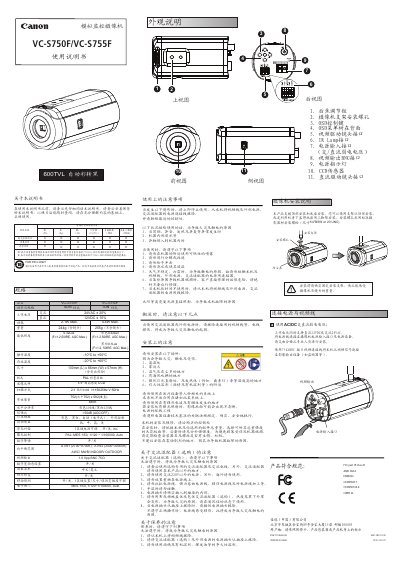
The Canon VC-S750F/VC-S755F user manual is a Chinese-language instruction document for two analog surveillance camera models. It begins with an exterior parts guide and then covers installation and safety precautions, power wiring, maintenance, and product specifications.
The manual also explains how to mount the camera and lens, adjust back focus, connect power and video cables, and use the on-screen display (OSD) menu for exposure, white balance, day/night switching, motion detection, privacy masking, and other image settings. This manual is written in Chinese.
| Image sensor | 1/3-inch super high sensitivity CCD |
|---|---|
| Effective pixels | 752 (H) x 582 (V) |
| Scanning system | 2:1 interlace |
| Horizontal resolution | 600 TV lines in color / 620 TV lines in black and white |
| Minimum illumination | Color 0.32 Lux; black and white 0.1 Lux (F=1.2, 50IRE, AGC Max.) |
| Signal-to-noise ratio | More than 50 dB (AGC OFF) |
| Video output | 1.0 Vpp BNC 75 Ω |
| Power supply | 24 VAC ±20% or 12 VDC ±10% |
| Operating temperature | -10°C to +50°C |
| Storage temperature | -20°C to +60°C |
| Dimensions | 130 mm (L) x 66 mm (W) x 57 mm (H) |
The camera supports 24 VAC ±20% or 12 VDC ±10%.
Use a 75 Ω BNC video cable to connect the camera's video output to a monitor or other video device.
Remove the dust cover from the camera first; when using a C-mount lens, install the supplied CS adapter before mounting the lens.
Move the back-focus knob to the position where the image is clear and tighten the screw to lock it.