
This Canon user manual explains how to install and use the MF firmware upgrade tool for MF5650/5630 and MF3112/3110 multifunction devices.
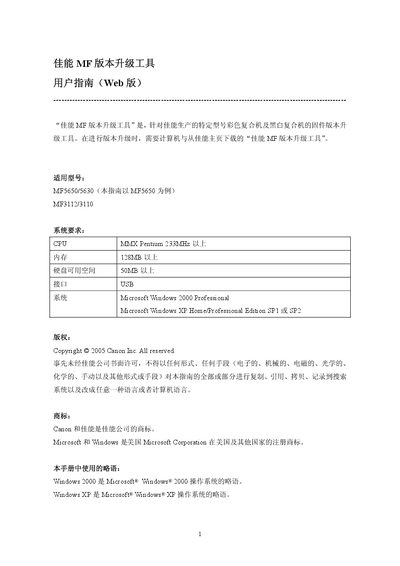
The guide provides step‑by‑step instructions for preparing the host machine and computer, installing the Canon MF version upgrade tool, and performing a firmware upgrade on supported MF series multifunction devices. It also lists system requirements and cautions to ensure a successful upgrade.
Key sections cover preparation of the printer and PC, installation of the upgrade software, the upgrade process itself, error handling, and final steps to complete the firmware update and restore normal operation. This manual is written in Chinese.
| CPU | MMX Pentium 233 MHz or higher |
|---|---|
| Memory | 128 MB or higher |
| Hard‑disk free space | 50 MB or higher |
| Operating System | Microsoft Windows 2000 Professional |
| Operating System | Microsoft Windows XP Home/Professional SP1 or SP2 |
The tool requires a Pentium‑class CPU with MMX (233 MHz or higher), at least 128 MB of RAM, 50 MB of free hard‑disk space, a USB interface, and Windows 2000 Professional or Windows XP Home/Professional SP1‑SP2.
Check that the printer’s power is on, the USB cable is correctly connected, and then click OK to retry; if the firmware file is missing, reinstall the tool.