
This user guide covers installation, operation, maintenance, and troubleshooting for the Canon LBP5100 laser printer.
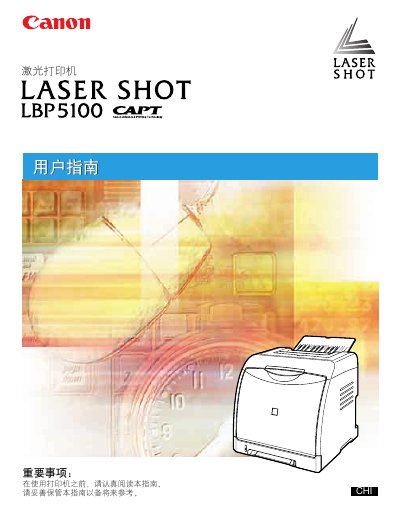
This manual provides comprehensive instructions for the Canon LBP5100 laser printer. It covers essential topics including setup and installation, loading and outputting paper, configuring the printing environment, and daily maintenance procedures. The guide also details how to print documents with various options and how to resolve common errors. This manual is written in Chinese.
| Paper Sources | Manual Feed Slot, Tray 1, Tray 2 (Optional) |
|---|---|
| Paper Sizes | A4, B5, A5, Legal, Letter, Executive, Statement, Foolscap, 16K |
The printer supports various paper types including plain paper, heavy paper, transparency film, and labels.
Installation involves unpacking the printer, installing the toner cartridge, loading paper, connecting the power and computer cables, and installing the software.