
The Canon iR2018i/2022i digital multifunction copier manual provides specifications, setup, and operation instructions for copying, printing, scanning, and…
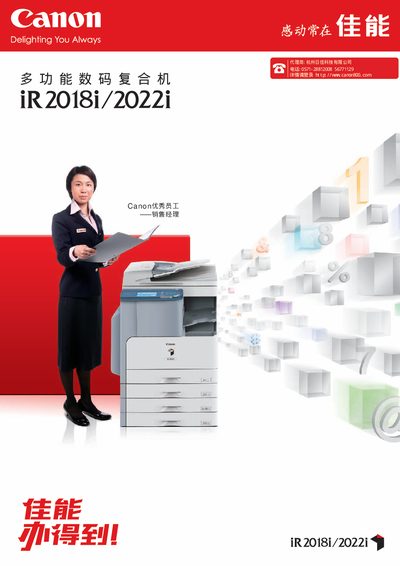
This manual details the iR2018i and iR2022i models, covering hardware specifications such as memory, power consumption, paper handling, and print/scan resolutions. It also explains optional accessories like the Super G3 fax card, paging binders, and dual‑tray configurations.
Operational guidance includes using the built‑in LCD touch screen, network printing setup, color scan & send functions, and department ID management. Energy‑saving features such as on‑demand fusing and ENERGY STAR compliance are also described. This manual is written in Chinese.
| Memory (standard) | 256 MB |
|---|---|
| Preheat time (power on) | 26 seconds |
| Maximum power consumption | 1.5 kW |
| Print resolution (true) | 1200 dpi × 1200 dpi |
| Scan resolution (maximum) | 600 dpi × 600 dpi |
| Copy speed (iR2018i) | 18 pages/min (A4) |
| Standard paper capacity | 250 sheets (plus 80 sheet feeder) |
| Maximum paper capacity | 250 sheets × 4 (front trays) + 80 sheet feeder |
| Weight (iR2018i) | ≈ 47 kg |
The preheat time is 26 seconds after the main power is switched on.
The copier can print at a true resolution of 1200 dpi × 1200 dpi.
The Super G3 fax card (model AA1) can be selected as an optional accessory.