
This document provides quick installation instructions for the Canon PIXMA iP90 inkjet printer, covering setup, driver installation, and basic operation.
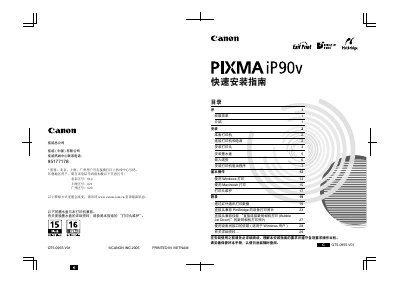
This is a Quick Start Guide for the Canon PIXMA iP90 inkjet printer. It covers essential steps to get the device up and running quickly, including unpacking, connecting power and USB cables, installing print heads and ink cartridges, and loading paper.
The guide also provides instructions for basic operation on Windows and Macintosh systems, explains how to perform print head maintenance, and details specific printing features such as Exif Print, PictBridge support, and direct connection from compatible digital cameras. This manual is written in Chinese.
The correct power voltage and frequency are AC 100-240V, 50/60Hz.
Yes, the printer supports Exif Print to enhance information exchange between digital cameras and the printer.