
The Canon FAX-JX500 User Guide provides installation, operation, maintenance, and troubleshooting instructions for the fax machine.
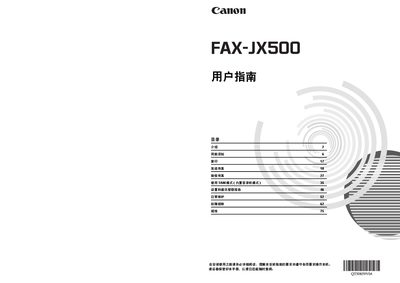
This guide covers everything needed to set up and use the Canon FAX-JX500 fax machine, including safety warnings, hardware overview, and step‑by‑step procedures for copying, sending and receiving faxes, using the built‑in answering‑machine (TAM) mode, and managing settings and communications. It also contains sections on daily maintenance, troubleshooting, and detailed technical specifications.
Safety information, environmental compliance details, and instructions for replacing the FINE ink cartridge are included, as well as a full list of specifications such as paper handling, scan resolution, power requirements, dimensions, and weight. This manual is written in Chinese.
| Maximum scan width | 216 mm |
|---|---|
| Maximum scan height | 400 mm |
| Effective scan width (A4) | 208 mm |
| Effective print width | 203 mm |
| Horizontal scan density | 8.00 dots/mm |
| Vertical scan density (standard) | 3.85 lines/mm |
| Paper tray capacity | 100 sheets (75 g/m²) |
| Power supply | AC 100‑240 V, 50/60 Hz |
| Power consumption | Standby ~1.5 W, Max ~37 W |
| Dimensions (W×D×H) | 400 mm × 269 mm × 174 mm |
| Maximum image storage | 120 A4 pages (standard resolution) |
The device can store up to 120 pages of A4‑size documents at standard resolution.