
Official user guide for the Canon AE-1 camera, covering lens attachment, battery installation, film loading, and operation instructions.
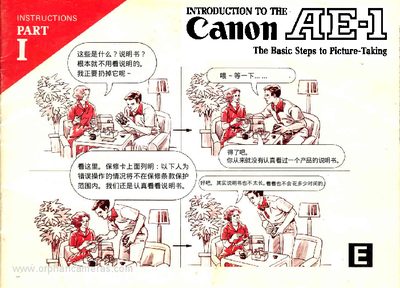
This manual provides step-by-step instructions for operating the Canon AE-1 camera. It covers essential setup procedures such as attaching the lens, setting the camera for AE (Automatic Exposure) photography, and installing the battery. The guide explains how to load 35mm film, set the ASA speed, and use basic controls like the shutter button and film advance lever.
The camera requires a 6V Silver Oxide or Alkaline-manganese battery, such as Eveready No.544 or No.537.
Press in the AE lock pin and turn the aperture ring until the "A" mark aligns with the red dot on the camera.
You should never jab the shutter button; pressing it gently is important for getting sharp pictures.