
The CalDigit SuperSpeed ExpressCard for Laptop User Manual provides installation steps, driver setup, safety warnings, and technical support details.
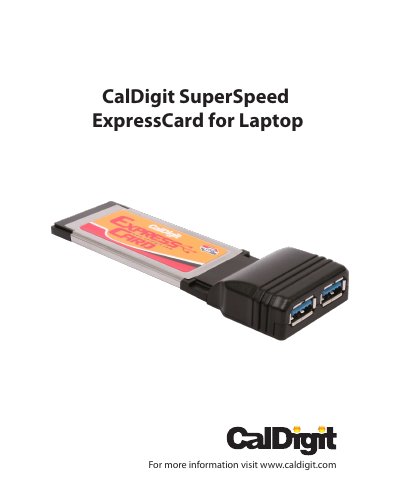
The CalDigit SuperSpeed ExpressCard for Laptop is a dual‑port ExpressCard/34 device that adds USB 3.0 connectivity to both Mac and PC laptops. It supports data rates up to 5 Gbps and is backward compatible with USB 2.0.
This manual covers system requirements, safety precautions, installation of the card and its drivers, removal procedures, and where to obtain technical support and warranty information.
| Maximum Data Transfer Rate | 5.0 Gbps |
|---|---|
| Interface to PC | ExpressCard 34 Slot |
| External Ports/Connections | 2 USB 3.0 ports (backward compatible) |
| Operating System Support | Windows XP/Vista/7 and Mac OS X |
| Dimensions (L × W × H) | 116.6 × 40.4 × 5 mm |
| Operating Temperature | 32 °F – 104 °F |
| Storage Temperature | -4 °F – 140 °F |
| Operating Humidity | 0 % – 80 % RH (non‑condensing) |