
The ButterflyMX Tenant User Guide covers registration, mobile app setup, notification preferences, virtual keys, and delivery passes for property access.
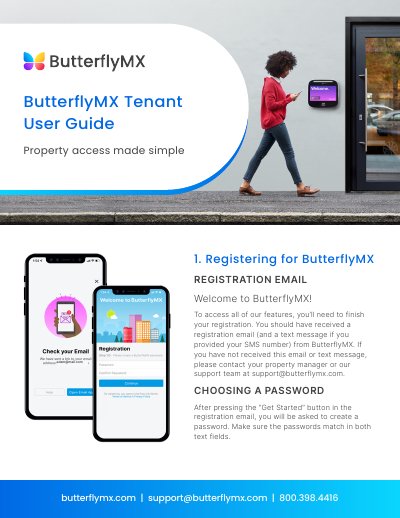
The guide explains how to register for ButterflyMX using the registration email and text message, choose a password, and download the mobile app from the App Store or Google Play. It also describes how to sign in and set notification preferences for visitor calls.
Key features include Swipe to Open, Building Contact, Activity Tracking, Account Page, and Visitor Access. Tenants can create virtual keys for guests and delivery passes for couriers to grant building access.
Use the registration email and text message from ButterflyMX, press “Get Started,” and create a matching password in both text fields.
Swipe your finger across the “Swipe to Open” button on the Home tab of the app.
Tap the “Quick Create” button labeled “+ Virtual Key,” choose a preset, name the key, select doors and times, then share it.