
User manual for the Bujian Busan E10K portable karaoke speaker: button and port functions, Bluetooth pairing, wireless microphone use and specifications.
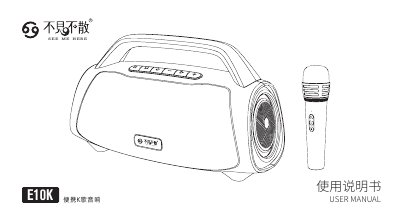
This is the Chinese user manual for the E10K portable karaoke speaker from Shenzhen Bujian Busan Electronics. It starts with safety precautions, lists the package contents (speaker, wireless microphone, USB Type-C charging cable and user guide), and explains the buttons: power, playback, mode switching between Bluetooth, USB drive and AUX, microphone pairing, RGB light control, volume and track selection.
The manual then covers the ports, Bluetooth audio connection to a mobile device, and the wireless microphone, including indicators, reverb levels, charging, pairing and locking. Two speaker specification pages list the speaker and microphone parameters, and the last page gives the manufacturer address, telephone and website. This manual is written in Chinese.
| Speaker type | Portable karaoke speaker |
|---|---|
| Speaker units | 2 x 4-inch full-range drivers |
| Bass enhancement | 120 mm low-frequency radiator |
| Playable formats (USB) | MP3, WMA, WAV, FLAC, APE |
| Speaker dimensions | L396.5 mm x W185.0 mm x H232.0 mm |
| Speaker weight | 2.6 kg (without microphone) |
| Charging input | USB Type-C, DC 5V-3A max |
| Microphone battery capacity | 1500 mAh |
| Microphone charging time | About 3.5 hours |
| Microphone dimensions | 178 mm (L) x 46.8 mm (H) x 46.8 mm (W) |
| Microphone weight | 137 g |
Long press the power key for 2 seconds to switch on, then open Bluetooth on the mobile device and select E10K from the device list; a prompt tone sounds and the LED stays lit when connected.
The speaker supports two wireless microphones; switching on a second microphone connects it automatically.
After a successful connection, triple-press the microphone power key to lock it, and double-press the power key to release the lock.
The microphone charges in about 3.5 hours using a DC 5V-1A USB power supply.