
Brother TD-2020A/2030ABK/TD-2135N Thermal Network Label Printer User's Guide

This manual provides operating instructions, setup guides, maintenance procedures, and troubleshooting for Brother TD-2020A, TD-2030ABK, and TD-2135N…
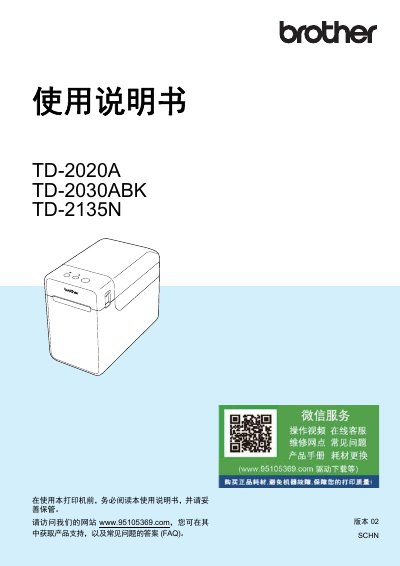

Brother TD-2020A/2030ABK/TD-2135N Thermal Network Label Printer User's Guide - cover page
Brand
Brother
Category
Printer
Document type
User Manual
Language
Chinese
Pages
85
File format
PDF
File size
3.4 MB
Published
25 October, 2026
Updated
25 October, 2026
MD5 checksum
F6DD9D322D99DF63358D94B05CAA066C

About this manual

This user guide covers the operation of the Brother TD-2020A/2030ABK/TD-2135N series of thermal network computer label printers. It includes instructions for initial setup, connecting to computers via USB or LAN (for the TD-2135N model), and using the printer driver software. This manual is written in Chinese.

What's inside

  • Preparation before use
  • Power supply
  • Installing drivers and software
  • Printing operations
  • Printer settings tool
  • Maintenance
  • Troubleshooting
  • Specifications

Frequently asked questions

Which operating systems are supported?

The printer supports Windows 8.1, Windows 10, and Windows 11.

What is the maximum print height for these Brother label printers?

The maximum print height is 56 mm.

How far does the feed button advance paper when set to continuous length labels?

Pressing the feed button advances the paper approximately 25.4 mm.

What is the operating temperature range for these printers?

The printer operates within a temperature range of 5 °C to 40 °C.

Download PDF (3.4 MB)

More Brother Manuals


View all Brother manuals →