
This quick reference guide provides brief instructions for connecting, installing media ribbons, and troubleshooting the Brother…
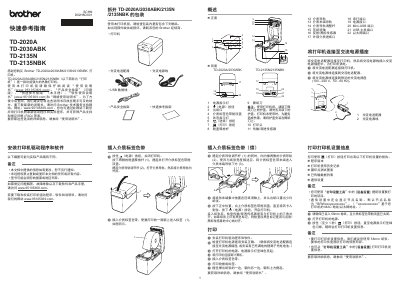
This document serves as a Quick Reference Guide for the Brother TD-2020A, TD-2030ABK, TD-2135N, and TD-2135NBK thermal printers. It provides essential information on initial setup, including connecting power and installing media ribbons.
The guide also covers basic operations such as printing printer settings reports, troubleshooting common issues like paper jams or print quality problems, and performing maintenance tasks like cleaning the print head. This manual is written in Chinese.
| Power Input | 100 - 240 V, 50 - 60 Hz |
|---|---|
| Media Width | 58mm |
Hold down the Print button for at least 1 second until the Power indicator flashes green.
Press and hold the Feed button six times while pressing the Power button, then release the Power button.