
This manual covers installation, battery charging, wireless connectivity (Wi-Fi/Bluetooth), label roll setup, and maintenance for the Brother RJ-3050 mobile…
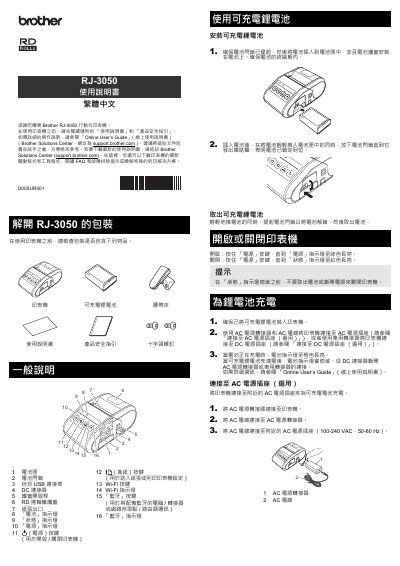
The Brother RJ-3050 is a mobile thermal printer designed for use outside the office. It features an integrated rechargeable lithium battery that can be charged via AC adapter or vehicle DC socket. The device supports wireless connectivity through Wi-Fi and Bluetooth to connect with computers and handheld devices without cables. This manual is written in Chinese.
| Interface | USB 2.0 Full Speed Host |
|---|---|
| Bluetooth Version | Version 2.1 + EDR |
| Wireless LAN Mode | IEEE 802.11b |
| Infrastructure Mode | IEEE 802.11b/g/n |
Press and hold the Power button until the Power indicator light stays green.
Connect the AC adapter or vehicle DC adapter to the printer; the light turns orange while charging and goes off when full.
Turn on the printer and press the Wi-Fi button to enable wireless communication.
Press the cover release lever, tilt the guide rails slightly while pushing the release rod, and pull out the roll.